Understanding TradingView: A Comprehensive Overview
In the ever-evolving world of trading, having the right tools at your disposal can significantly influence your success. TradingView stands out as a leading platform that combines advanced charting capabilities with a vibrant social community. Whether you're a casual investor or a seasoned trader, understanding how to leverage TradingView can enhance your market insights and trading strategies. This article explores the key features, benefits, and best practices for using TradingView to its fullest potential.
For those looking to dive deeper, the tradingview platform offers a rich set of resources that can elevate your trading experience.
What is TradingView and Its Purpose?
TradingView is an advanced financial platform that offers users tools for charting, analysis, and trading across multiple markets. Established as a social network for traders, it enables users to share trading ideas, strategies, and market analyses. The purpose of TradingView is to democratize access to sophisticated trading tools, allowing users to analyze market trends, collaborate with other traders, and improve their trading strategies all in one space.
Key Features of TradingView for Traders
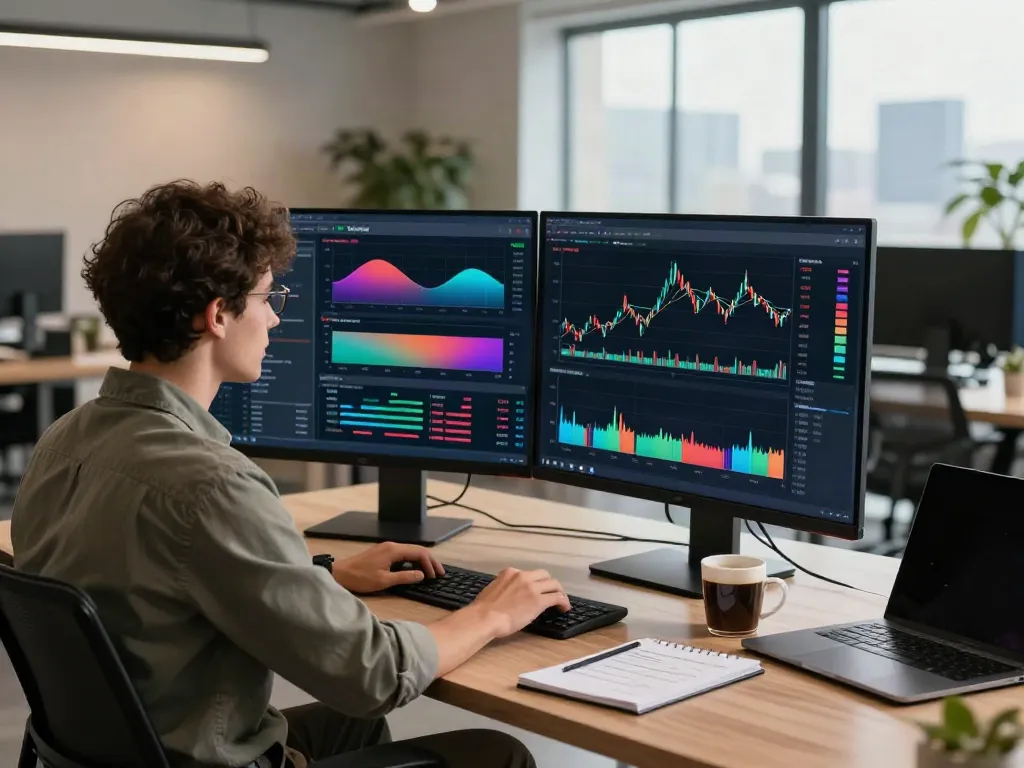
- Interactive Charting Tools: TradingView provides a variety of chart types, including line, candlestick, and bar charts, along with numerous technical indicators like RSI, MACD, and moving averages.
- Customizable Alerts: Users can set alerts based on specific criteria, ensuring they stay informed about market movements relevant to their trading strategies.
- Social Networking: Traders can follow others, share ideas, and comment on published analyses, fostering a collaborative environment.
- Script Editor: Advanced users can create custom indicators and strategies using Pine Script, TradingView's programming language.
How TradingView Enhances Market Analysis
TradingView's powerful visualization tools enable users to analyze market data comprehensively. With real-time data feeds, traders can monitor price movements as they occur. The ability to apply technical analysis techniques using drawing tools, such as Fibonacci retracement and trend lines, enhances analytical capabilities. Additionally, the platform's integration with fundamental data allows for a more holistic approach to trading.
Getting Started with TradingView
Creating Your TradingView Account
Setting up a TradingView account is a straightforward process that allows users to access both free and premium features. To get started, simply visit the TradingView website and sign up using your email address or social media accounts. Once your account is created, you can explore the variety of options available, including free access to basic charts and indicators.
Exploring the User Interface
The TradingView user interface is designed for ease of use and accessibility. Upon logging in, users are greeted with their dashboard, which features customizable widgets like watchlists, charting panels, and news feeds. Understanding how to navigate this interface effectively is key to utilizing the platform's full potential.
Customizing Your Workspace for Optimal Use
One of TradingView's standout features is the ability to customize your workspace. Users can choose their layout, select preferred chart styles, and organize tools according to their trading strategies. Saving these settings allows for a personalized trading experience that can be tailored to individual preferences and needs.
Advanced Features for Serious Traders
Utilizing Technical Indicators on TradingView
Technical indicators are vital for traders who wish to make informed decisions based on historical data. TradingView offers a wide array of built-in indicators, which can be easily applied to charts. Moreover, users can create custom indicators using Pine Script for more advanced analysis.
Setting Up Alerts and Notifications
Traders can enhance their trading efficiency by setting up alerts on TradingView. Alerts can notify users of price changes, indicator conditions, and even news events. This feature helps traders act swiftly on opportunities without needing to constantly monitor the markets.
Leveraging TradingView's Social Features
The social aspect of TradingView is one of its most appealing features. Users can interact with each other, share their trading ideas, and gain insights from different perspectives. By following expert traders and participating in discussions, users can improve their knowledge and trading strategies significantly.
Best Practices for Using TradingView Effectively
Strategies for Chart Analysis with TradingView
To effectively analyze charts on TradingView, traders should develop a structured approach. Utilizing a combination of technical indicators, applying different chart types, and analyzing price action can lead to better trading decisions. Regularly reviewing past trades and their outcomes can also help refine strategies over time.
Common Mistakes to Avoid with TradingView
Despite its powerful tools, traders can make mistakes when using TradingView. Common pitfalls include over-reliance on indicators without considering market context, neglecting fundamental analysis, and failing to set appropriate stop-loss levels. Being aware of these mistakes can improve trading outcomes.
Integrating TradingView with Your Trading Strategy
For traders looking to integrate TradingView into their strategies, it is essential to align the platform's tools with their trading objectives. Whether employing day trading, swing trading, or position trading, customizing alerts, indicators, and watchlists to fit the chosen strategy can enhance overall effectiveness.
Future Trends and Innovations in TradingView
Predictions for TradingView in 2026 and Beyond
The future of TradingView looks promising, with anticipated advancements that may include enhanced AI-driven analytics, more robust mobile functionalities, and improved integration with diverse trading platforms. Such innovations are expected to further empower traders and improve decision-making processes.
Emerging Tools and Features to Watch For
As TradingView continues to evolve, users should watch for emerging features like advanced backtesting capabilities, AI-generated trading signals, and expanded asset classes. Keeping an eye on these developments can provide traders with a competitive edge.
How to Stay Ahead in Trading with TradingView
To stay competitive in the trading landscape, continuously adapt and leverage TradingView's evolving features. Engaging actively with the community, participating in webinars, and experimenting with new tools can keep traders informed and ahead of the curve.
What are the benefits of using TradingView?
Utilizing TradingView provides numerous benefits, including access to advanced charting tools, a supportive community, and a wide range of technical indicators. These resources facilitate better market analyses and more informed trading decisions.
Can I use TradingView for free?
Yes, TradingView offers a comprehensive free tier that allows users to access basic features and tools. For more advanced functionalities, users can consider premium subscription options.
How does TradingView compare to other trading platforms?
Compared to other platforms, TradingView excels in its user-friendly interface, vast community resources, and advanced charting capabilities. Many traders prefer TradingView for its collaborative nature and depth of analytical tools.
What trading strategies work best on TradingView?
Successful trading strategies on TradingView often include technical analysis combined with risk management techniques. Whether using moving averages, Fibonacci retracement, or trend lines, the key is to employ a strategy that aligns with individual trading styles and market conditions.
How do I integrate TradingView with my brokerage?
Integrating TradingView with a brokerage account is a straightforward process that typically involves linking your broker's API with the TradingView platform. This functionality allows for seamless execution of trades directly from the TradingView interface, enhancing trading efficiency.